This is Software / Terminal · easy, lesson 1: Paths that make sense. Read the teaching and the stills before the checks. The quizzes are open book and test the subject — Software / Terminal itself — not product rules or layout trivia.
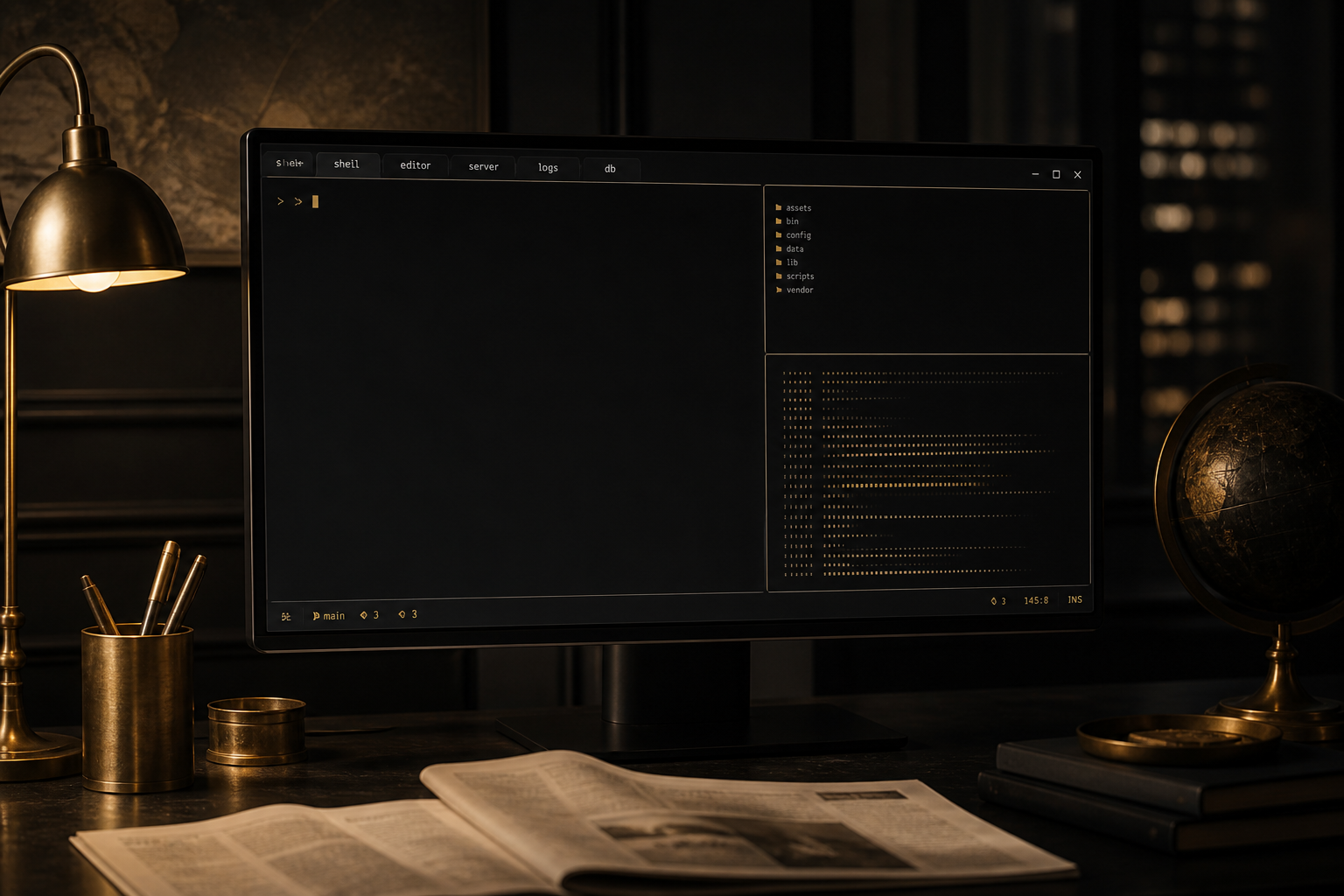
Software Easy · Lesson 1 · On the house
Paths that make sense
Absolute vs relative. Lesson 1 is free — on the house.
Lessons · Software Easy · Lesson 1 of 10 · On the house
Paths that make sense
Absolute vs relative.
You already finished Introductory. I will not re-teach the absolute first hello. We build upward.
Absolute paths start from the root.
Relative paths start from the working directory.
Mixing them up is a common beginner bug.
pwd tells you the base for relatives.
paths
/home/you/notes.txt
./notes.txtSit with that still. Trace it top to bottom. Name each piece. The exercise asks you to match its essence.
If something fails when you try it yourself, change one thing. Read the error. Return to the still. I will not rush you.
Quiz
What is an absolute path?
Quiz
What is ./notes.txt?
Quiz
What command reveals the base for relative paths?
Quiz
Based on today's teaching, which claim is right?
Quiz
Based on today's teaching, which claim is right?
Quiz
Based on today's teaching, which claim is right?
Quiz
Based on today's teaching, which claim is right?
Quiz
Based on today's teaching, which claim is right?
Quiz
Based on today's teaching, which claim is right?
Check
Match the still for: Paths that make sense.
That is the lesson. When every quiz and exercise on this page is green, mark it passed. Next lesson when you are ready.
Open-book: the answers are on this page. Pass every quiz and check (10) to mark the lesson done. This visit: 0/10.